4 Creative Ways to Customize Your Bubble Bag Display
- Home
- 4 Creative Ways to Customize Your Bubble Bag Display
4 Creative Ways to Customize Your Bubble Bag Display
Got your hands on a Bubble Bag and ready to set up your front LED window? The free companion app allows you to display almost anything, but if you’re looking for inspiration to stand out, here are 4 creative ways to style your display right now.
1. Social Tags at Networking Events & Meetups
Tired of pulling out paper business cards or handing over your phone to share your socials?
-
Open the app.
-
Type out your Instagram handle, TikTok, or website domain.
-
Set it to smooth horizontal scrolling.
Whether you’re walking around a tech conference, anime convention, or creator meetup, people can snap your handle directly off your bag as you walk by.
2. Retro 8-Bit & Pixel Art Animations
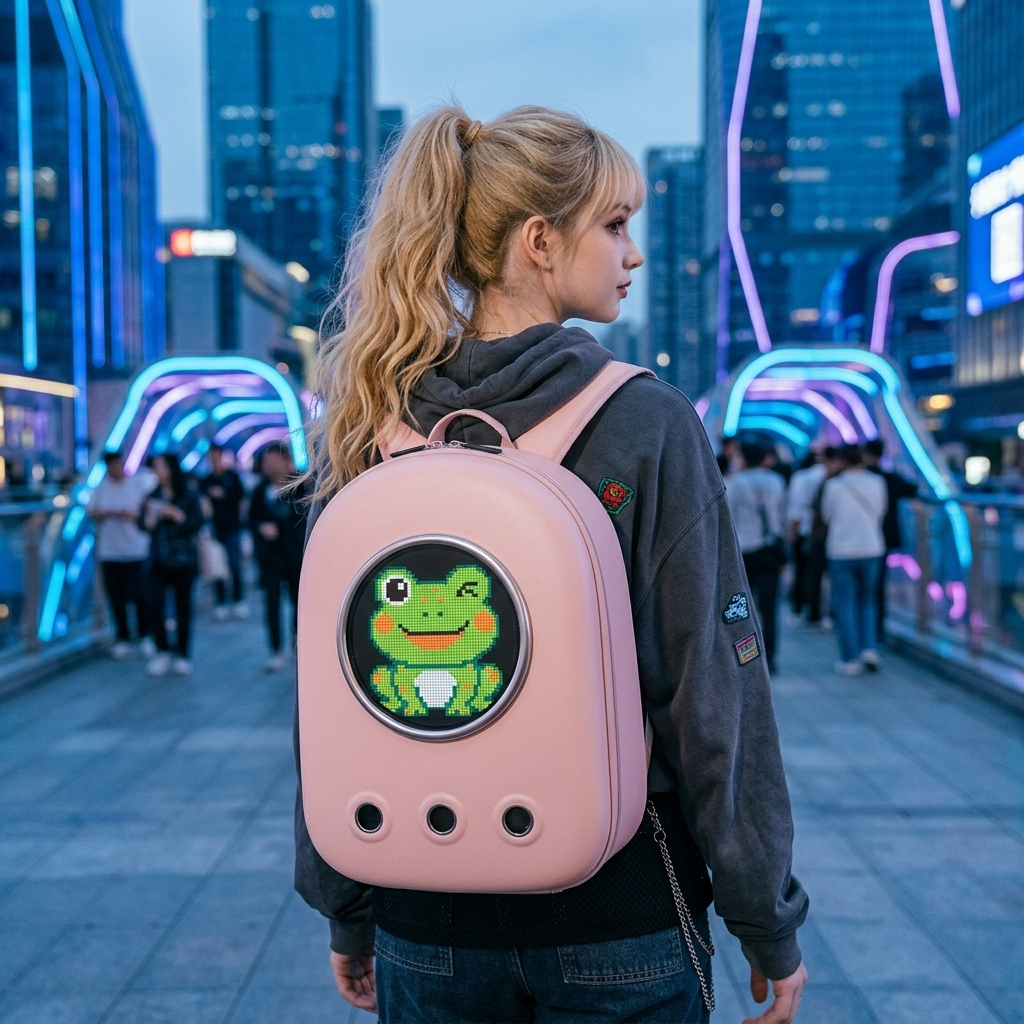
The circular matrix display on the Bubble Bag is built for pixel art.
-
Browse the app’s built-in graphics library for classic 8-bit game animations, glowing hearts, floating neon skulls, or pixelated fire loops.
-
You can also upload your own custom GIF frames to create a custom loop that nobody else on the street has.
3. Cycling & Scooter Signal Signage
Heading out on two wheels? Use your bag as a smart rear warning light:
-
Select bold, high-contrast colors like bright yellow or signal red.
-
Set static or flashing arrow graphics to signal your route to traffic behind you.
4. Daily Mood Statements
Why wear a static slogan tee when your bag can say whatever you’re thinking today?
-
“Need Coffee First” for the Monday 8 AM subway ride.
-
“Out of Office” on a Friday afternoon.
-
Custom emojis to match your mood.
Get Glowing
Setting up a new loop takes less than 30 seconds over Bluetooth. Pair your phone, pick your artwork, and let your backpack do the talking!